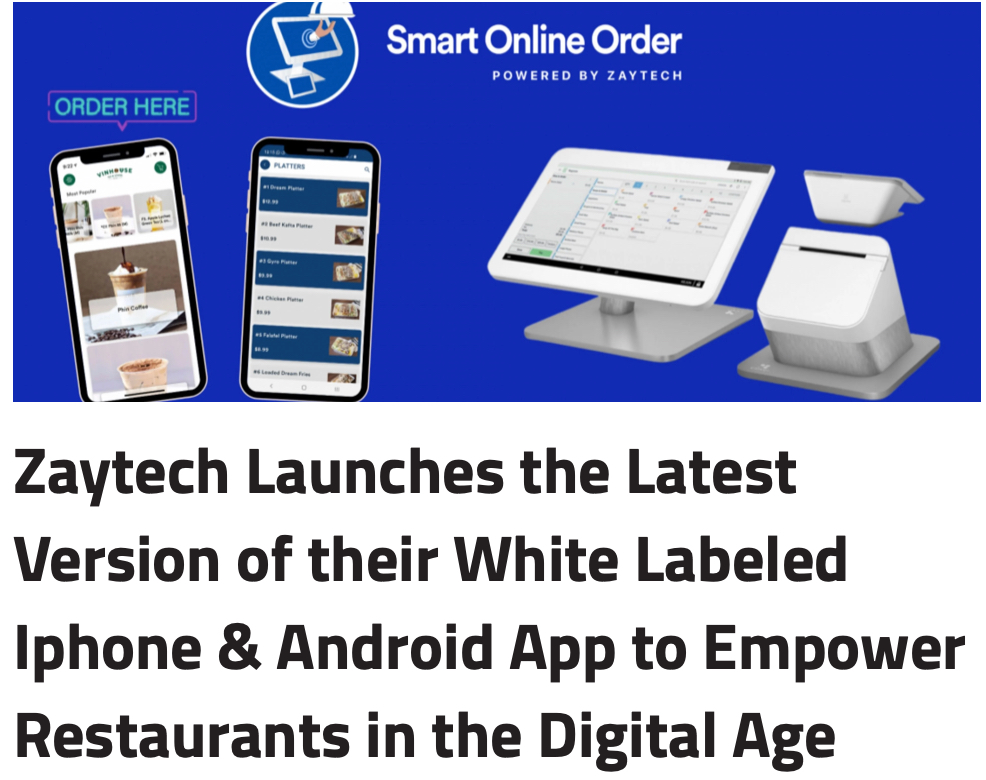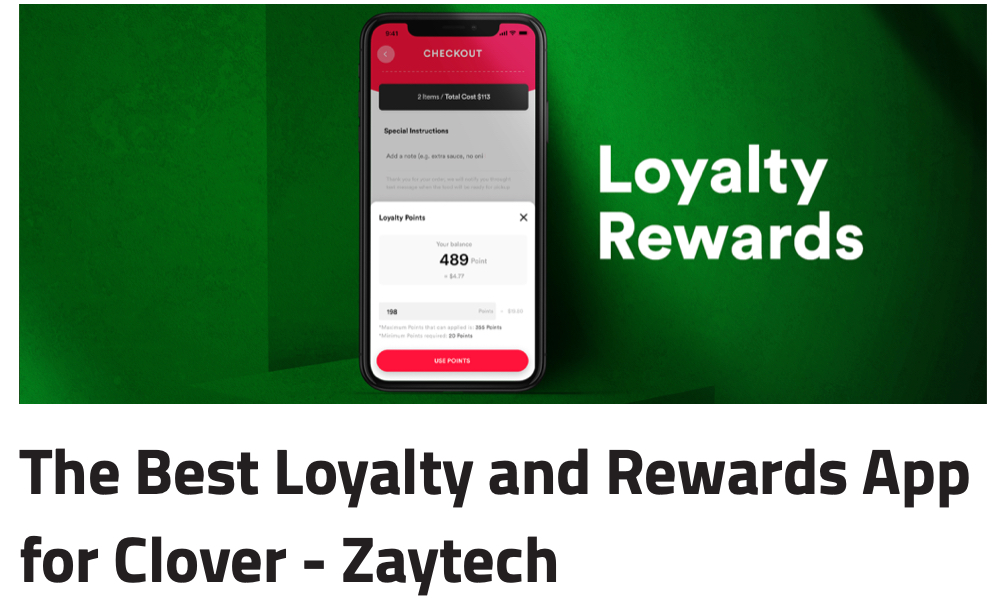

If you run an online store using WooCommerce and already use a Clover POS system, integrating both can help streamline your payment process. The Clover Payment Gateway by Zaytech for WooCommerce is designed to connect your Clover POS with your WordPress website, allowing you to accept payments online while managing orders directly through Clover.
This plugin is an ideal solution for restaurants, retail stores, cafes, and businesses that already rely on Clover for in-store transactions and want a simple way to sell online.
What is Clover Payment Gateway by Zaytech for WooCommerce?
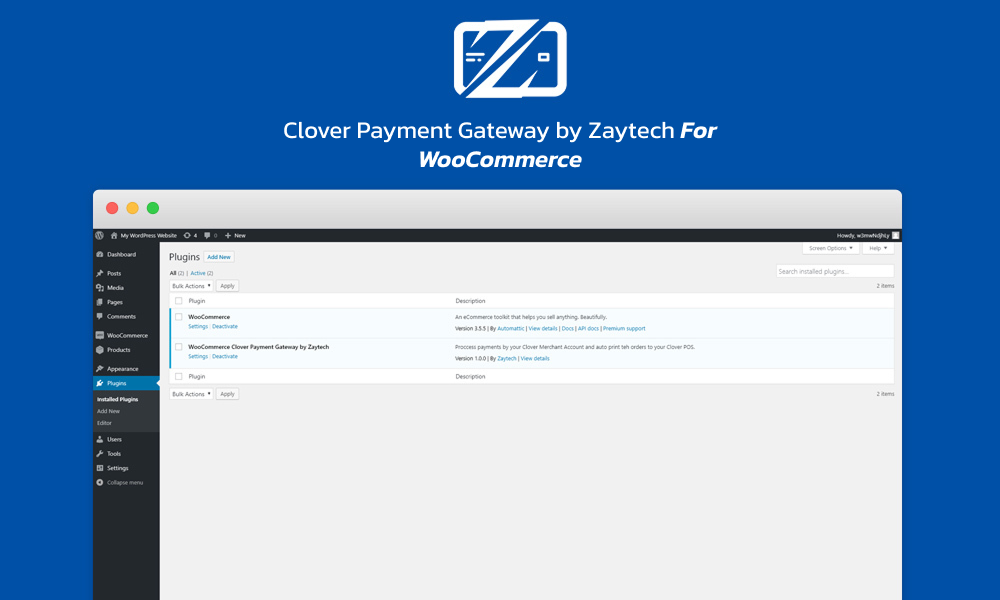
The Clover Payment Gateway by Zaytech for WooCommerce is a WordPress plugin that enables WooCommerce stores to process payments through Clover POS. Instead of using separate systems for online and in-store payments, this plugin allows merchants to centralize payment handling through Clover.
Customers can place orders directly on your website, and those orders can instantly appear on your Clover device for processing and printing.
Key Features of Clover Payment Gateway by Zaytech
1. Accept Clover Payments Online
This plugin lets WooCommerce websites securely process customer payments using Clover’s trusted payment infrastructure.
2. Real-Time Order Notifications
Orders placed on your WordPress website are automatically sent to your Clover POS system so your staff can manage them quickly.
3. Auto Print Orders
Businesses like restaurants and cafes can automatically print incoming online orders directly from Clover.
4. Easy WooCommerce Integration
You can install and configure the plugin in minutes without needing advanced technical knowledge.
5. Manage Orders in Two Places
Orders can be viewed in both:
- Clover Dashboard
- WooCommerce Admin Panel
This gives you flexibility and better order tracking.
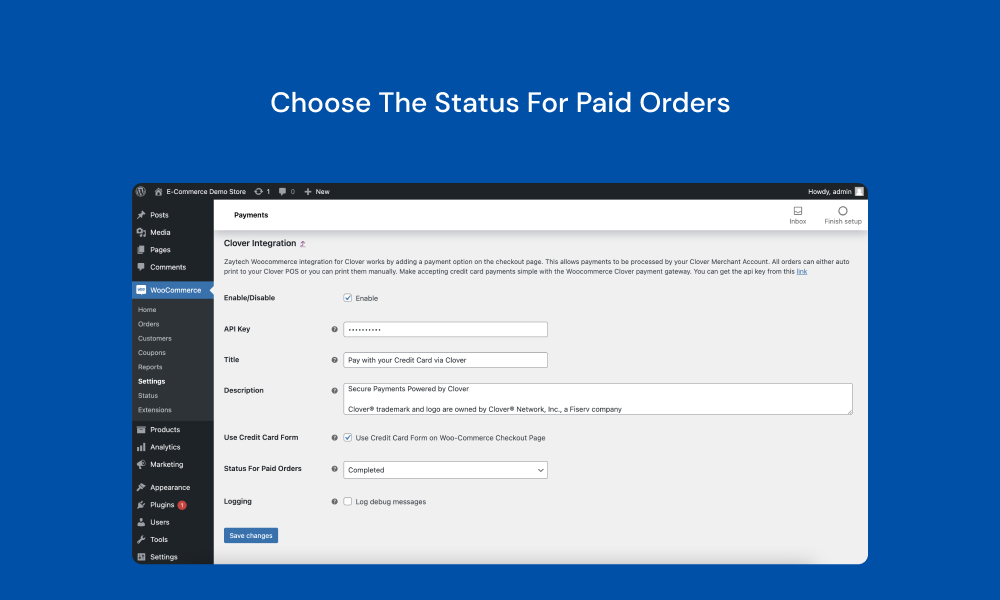
How to Set Up Clover Payment Gateway by Zaytech
Getting started is simple:
Step 1: Install the Plugin
Download and install the plugin on your WordPress website.
Step 2: Activate WooCommerce
WooCommerce must already be installed and active.
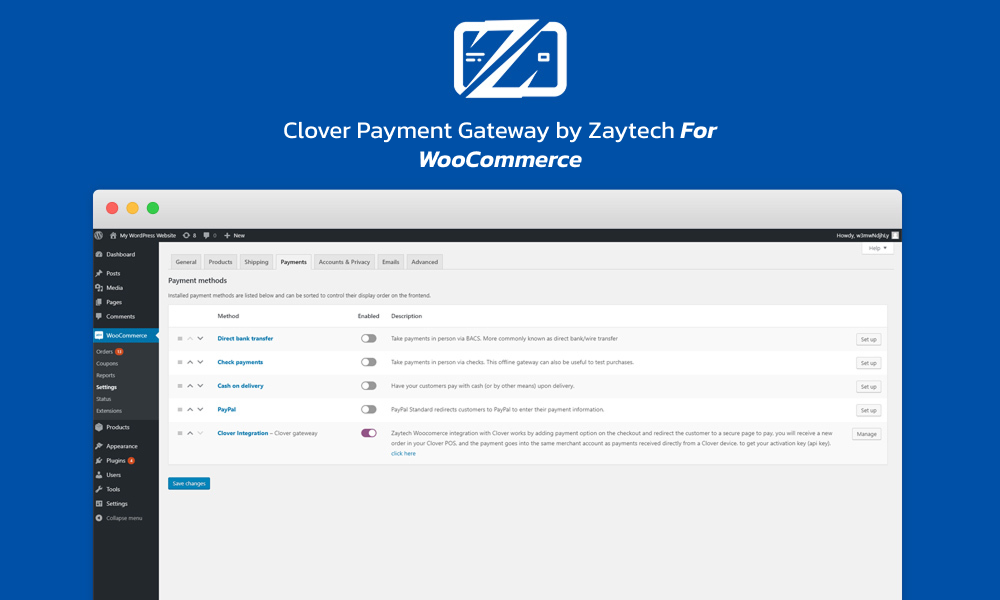
Step 3: Get Your API Key
Visit Clover.com and install the Smart Online Order app from More Tools.
Once installed:
- Open the app
- Copy your API Key
- Paste it into WooCommerce payment settings
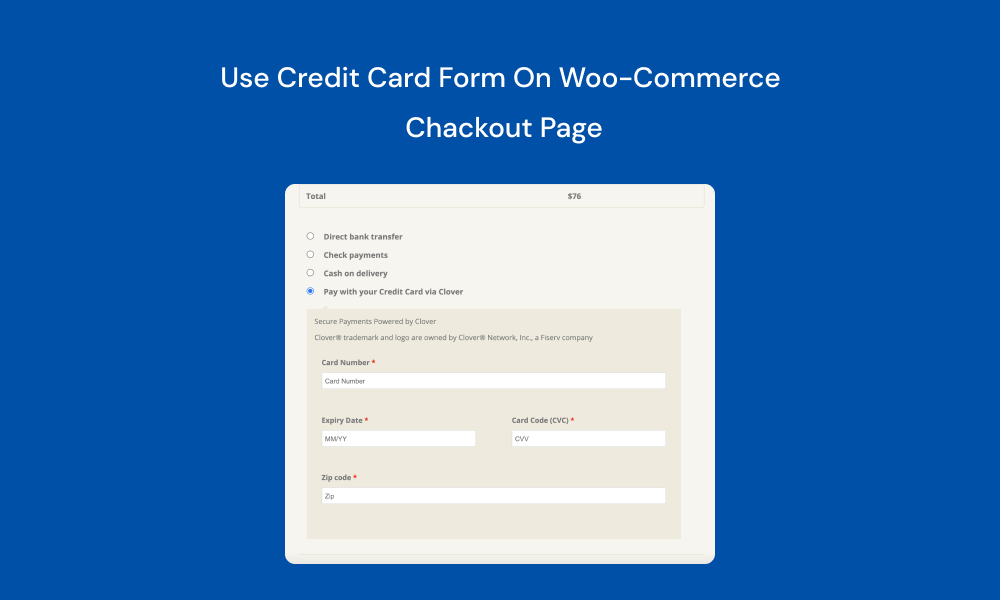
Step 4: Start Accepting Payments
Once connected, your customers can begin placing orders online using Clover payments.
Who Should Use This Plugin?
The Clover Payment Gateway by Zaytech is perfect for:
- Restaurants with Clover POS
- Coffee shops
- Retail stores
- Food delivery businesses
- Local shops using WooCommerce
- Businesses wanting Clover online ordering

Benefits for Restaurants & Food Businesses
For restaurants and food businesses, this plugin offers major advantages:
- Receive online pickup orders instantly
- Print kitchen tickets automatically
- Accept secure card payments online
- Manage website and in-store sales efficiently
This can save time and reduce manual order entry errors.
Clover Inventory vs WooCommerce Inventory
One important feature is that Clover and WooCommerce inventories are managed separately. This is ideal for businesses that want:
- Different products online vs in-store
- Different pricing strategies
- Separate stock management
If you want Clover inventory synced directly, Zaytech also offers alternative solutions.

Why Choose Clover Payment Gateway by Zaytech?
Many businesses already trust Clover hardware. This plugin allows you to expand into eCommerce without switching systems.
Benefits include:
- Fast installation
- Reliable Clover processing
- WooCommerce compatibility
- Better operational efficiency
- Ideal for restaurants and retailers
Final Thoughts
If you already use Clover POS and want to accept online payments through WooCommerce, the Clover Payment Gateway by Zaytech for WooCommerce is a smart solution.
It bridges your physical store and online store while keeping operations simple. Whether you run a restaurant, café, or retail shop, this plugin can help you sell online faster and manage payments seamlessly.